

In today’s digital era, websites are the front face of companies. Therefore, an appealing and user-friendly design is super important to make a positive first impression. Even the most ordinary website can become one that users never forget by applying unique UI and UX elements. These key elements are outlined below to move your website from just ordinary to extraordinary.
1. Microinteractions
Microinteractions: the subtle, almost playful responses to what the user does. For instance, an animated “like” button that bounces into existence when clicked, or a progress bar filling in as you fill out a form.
Ideas to try:
- Animated button clicks
- Hover effects on images and icons
- Loading indicators with custom animations
2. Interactive Navigation
Make sure you have navigation that lets you interact with websites. It keeps the client entertained. For example, you are scrolling through a website and your cursor is leaving an impression.
Ideas to try:
- Sticky navigation bars
- Creative menu animations
- Scroll-triggered transformations
3. Dynamic Visuals and Animations
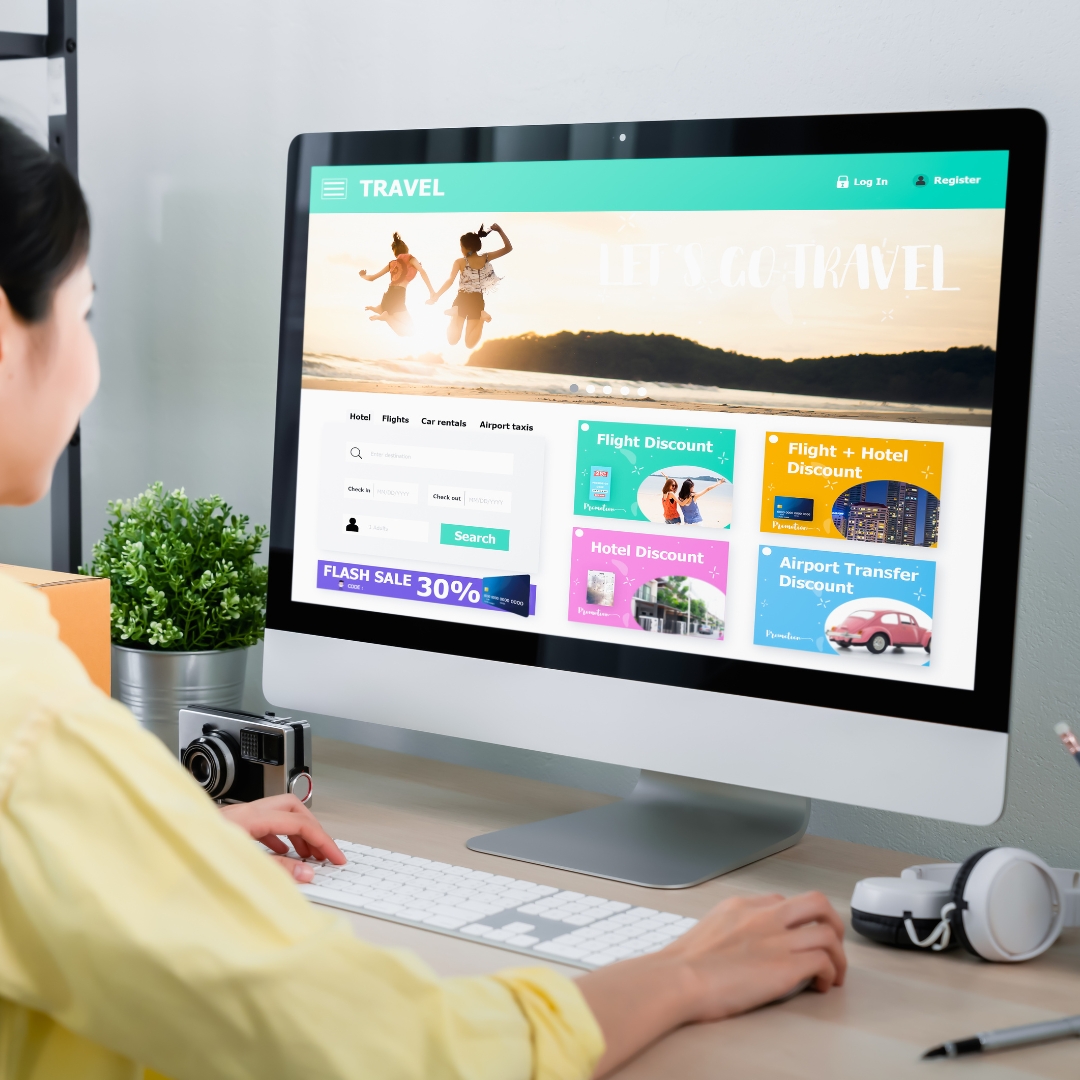
Have in-motion elements like background videos or animations.
Ideas to try:
- Parallax effects for depth
- Animated SVGs for graphics
- Subtle motion on scroll
4. Dark Mode and Customizable Themes
This would appeal to users that like personal choice: for example, offering light mode or dark mode with your theme preference – think of the New York Times website, or reading on the kindle. The purpose is simple: allow the user to control or customize their experience on your website.
Tips:
- Proper contrast should be provided by the text and visuals for both modes
- Changeover should be smooth
5. Creative Use of Typography
Typography is not only legible, it is a great design element. Unique fonts and dynamic headlines make content attractive to the eye.
Ideas to try:
- Animated or kinetic typography
- Combining bold and minimalist fonts
- Text overlays with interactive effects
6. Gamification Elements
Gamification elements are popular now. Examples are: progress bars, achievement badges, or mini-games convert routine interactions into entertaining activities. The elements encourage users to spend more time on your website.
Ideas to try:
- Reward systems for task completion
- Quiz sections with shareable results
- Progress trackers for onboarding flows
7. Personalization Features
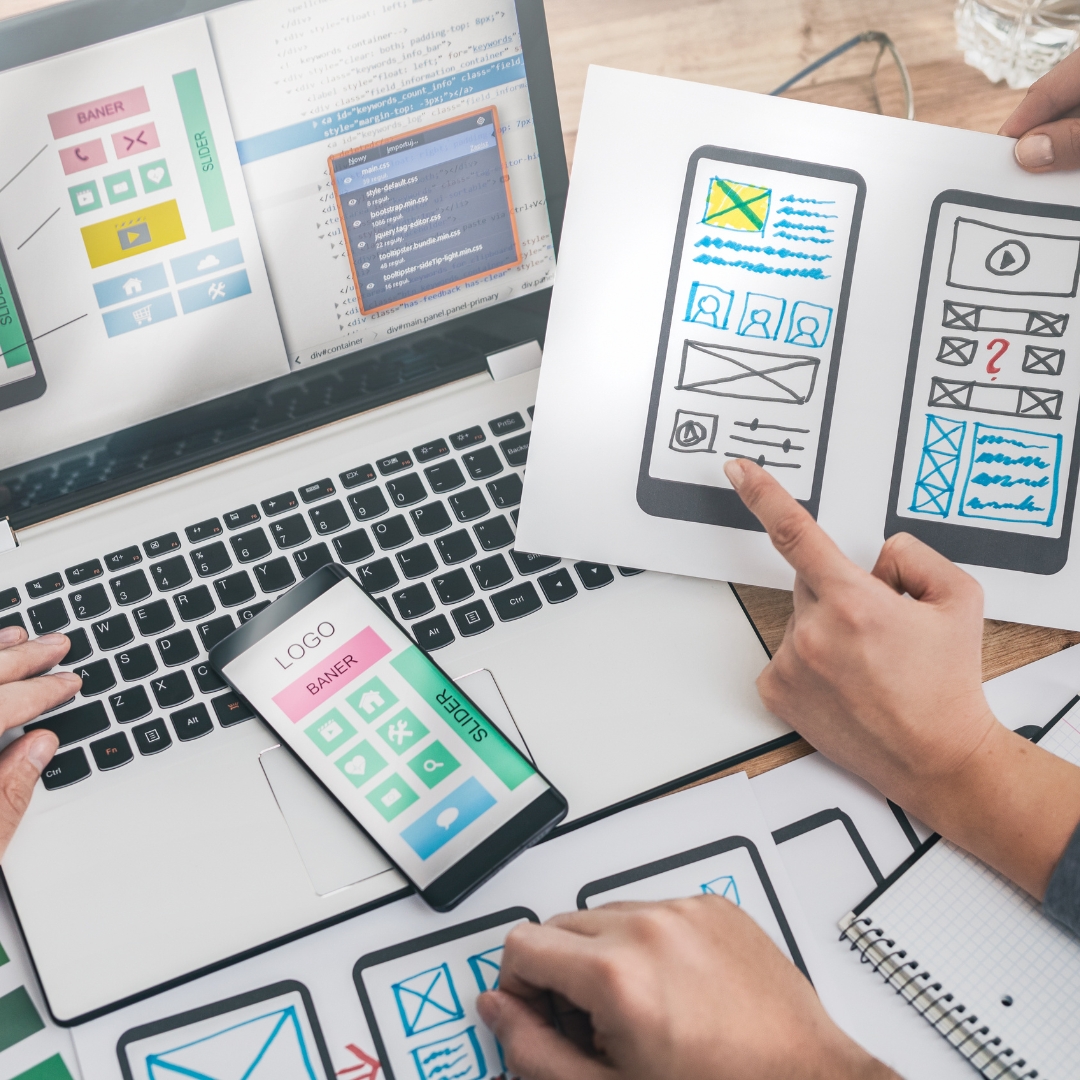
If your website is having personal touch, it catches more attention of the audience. Therefore, if your website has elements like language change, color change, offers change based on the user’s location. It will be a great way to grab attention.
Ideas to try:
- Recommended products or content based on user behavior
- Custom greetings based on time of day
- Location-based content adjustments
8. Immersive 3D Elements
More contemporary and technological feels are enhanced with 3D graphics and interactive objects. It is strong when applied in the product page or portfolio sites as details require observation.
Ideas to try:
- 3D product viewers
- Interactive 3D maps or models
- Animated 3D backgrounds
9. Subtle Sound Effects
Of course, there is such a thing as too much sound. Used judiciously, though, audio cues will add so much to the experience. Think a soft “click” for clicking a button, or ambient background sounds for creating a narrative.
Ideas to try:
- Audio feedback for interactive elements
- Background music for engaging storytelling
- Sound effects on hover or scroll
10. Accessible and Inclusive Design
Accessibility is no longer a nice-to-have but an opportunity to create an inclusive experience. Make sure your site is usable by everyone, including those with disabilities.
Ideas to try:
- High contrast text and resizable fonts
- Keyboard and screen reader compatibility
- Descriptive alt texts for images
Conclusion
With innovative UI/UX elements, a website goes from functional to exceptional. A strong UI/UX design includes interactivity, personalization, and accessibility. If you’re designing a website from scratch or improving one already done, the elements listed above are going to give your website the distinction it needs.


